How Spritecut AI Works 🚀
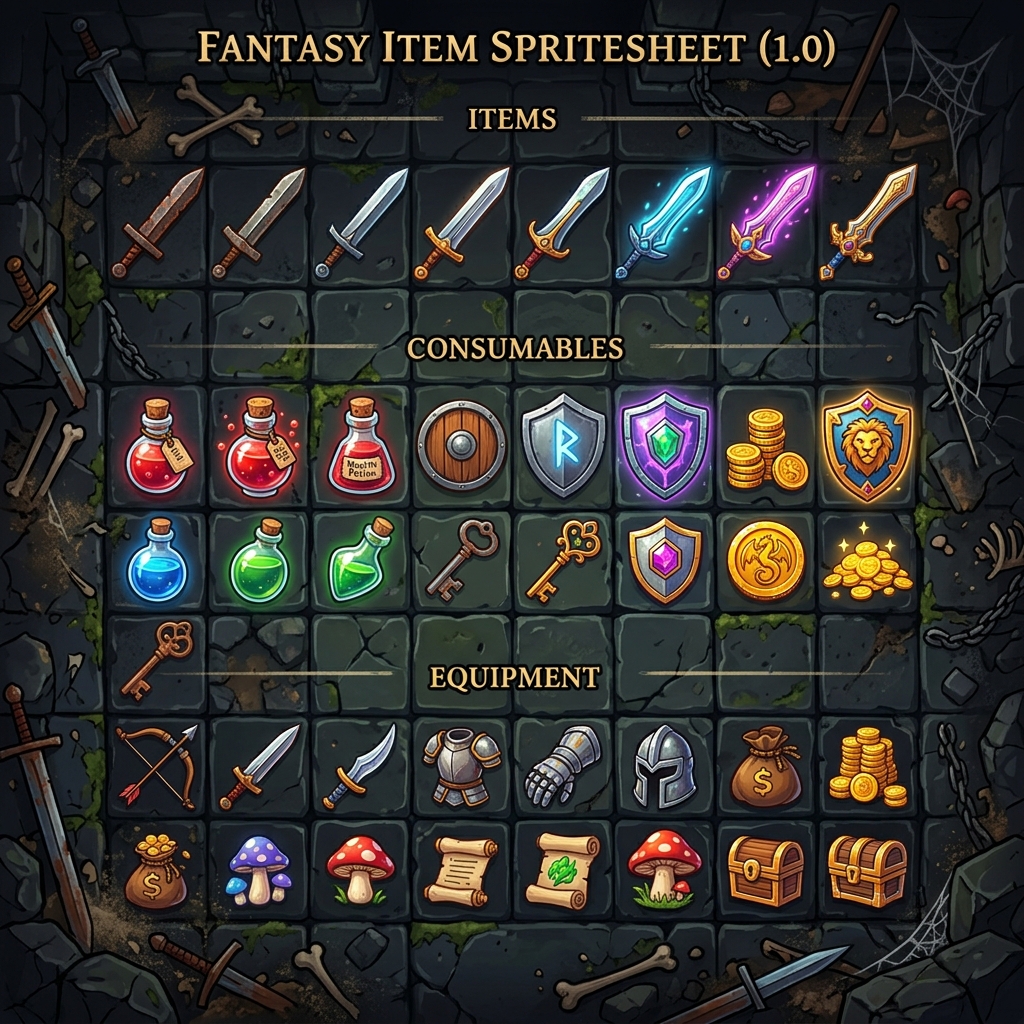
1. Upload Original

2. AI Processing
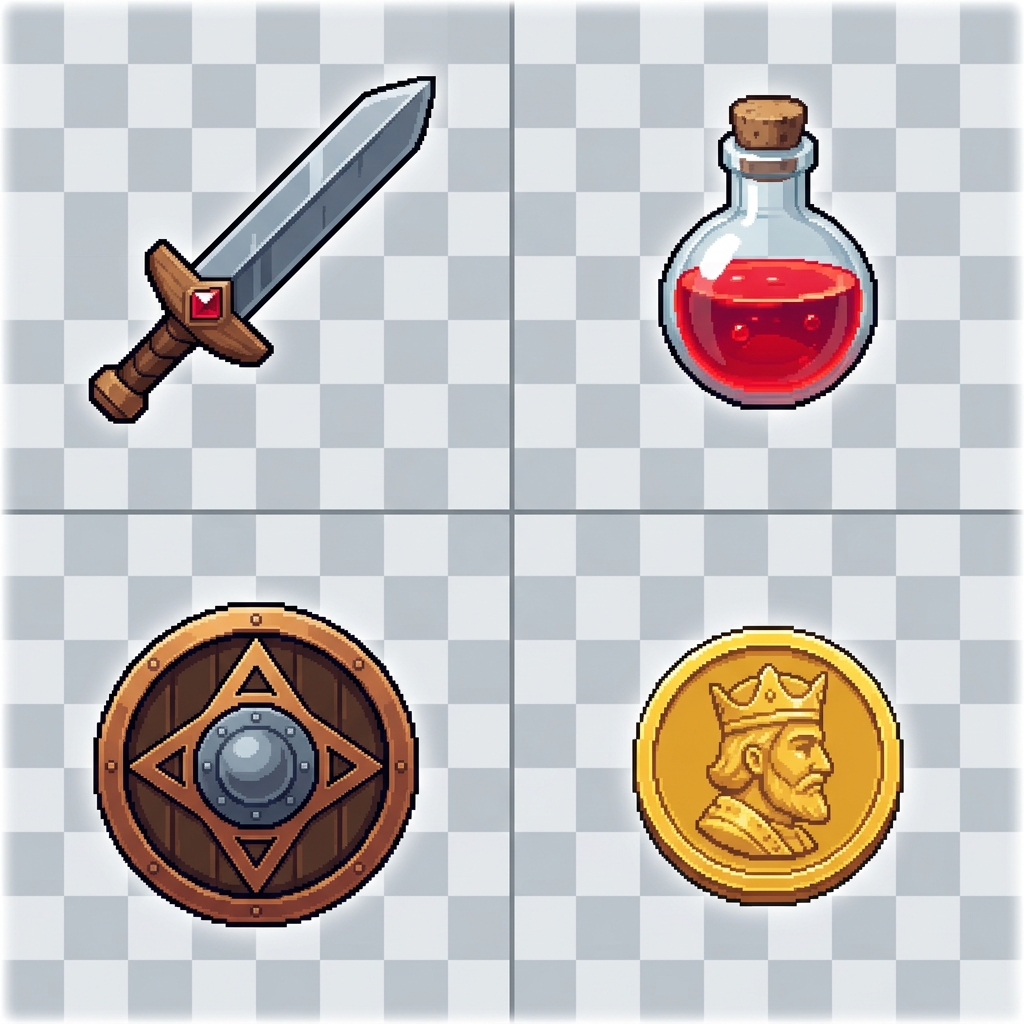
3. Get Isolated Items
1. Upload
Drop your spritesheets or screenshots. Multiple files supported!
2. Refine
Use the settings bar to toggle AI background removal, adjust quality, or add a drop shadow.
3. Extract
Click any extracted item to Copy to Clipboard, or download it as a transparent PNG.
4. Export All
Batch process multiple images and download everything at once as a ZIP file.
Mastering the Settings
Items to Extract:
Auto-detect finds separate objects, or you can force a specific count.
Remove Background:
Toggle the AI engine. Works best on images with clear subjects.
Quality:
Pixel is crisp/original. Smooth/Ultra uses AI to clean edges.
Drop Shadow:
Add depth with customizable color, opacity, distance, and spread.
Outline:
Add a colored border around items with adjustable thickness and fade.
Padding:
Add breathing room around your items before exporting.
Export Size:
Choose Exact Fit or scale to standard resolutions (256, 512, etc).
File Prefix:
Set a custom name (e.g., Sprite_) for your exported files.
🎮 Hidden Background Game
To keep you entertained while the AI processes your images, we've added an interactive Neon Snake game to the background!
Move: The snake follows your cursor.
Boost: Click & hold anywhere to speed up.
Eat: Collect neon food to grow your tail.
Goal: Reach 100 points for Rainbow Mode!